
Tasks and checklists
Give the team the day’s work, step by step. No lost paper. No guessing what “done” means.
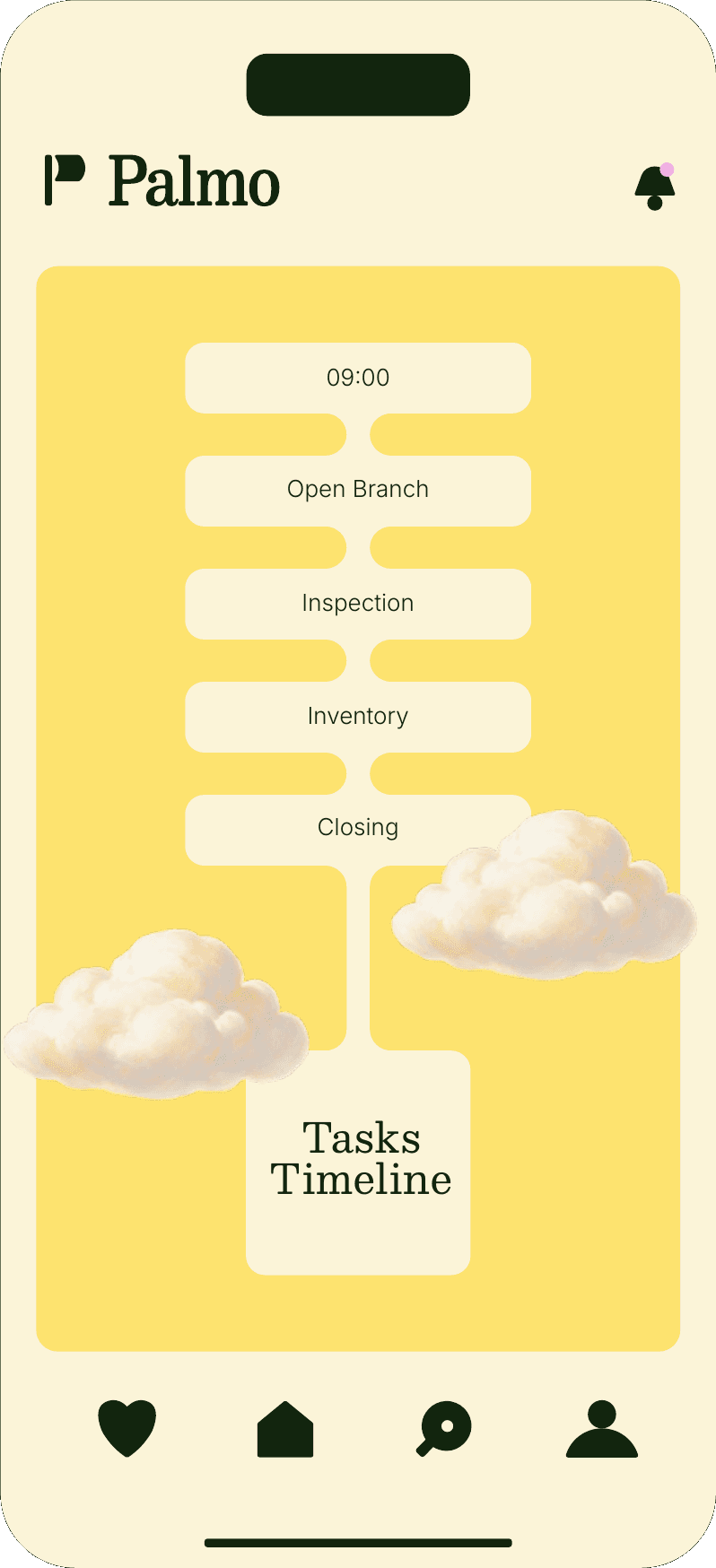
What Palmo holds
Give the team the day’s work, step by step. No lost paper. No guessing what “done” means.
Take a photo when the job is finished. A manager can see what happened on the floor without standing over it.
Review the work before it closes. Clear who did it, who checked it, and what still needs a look.
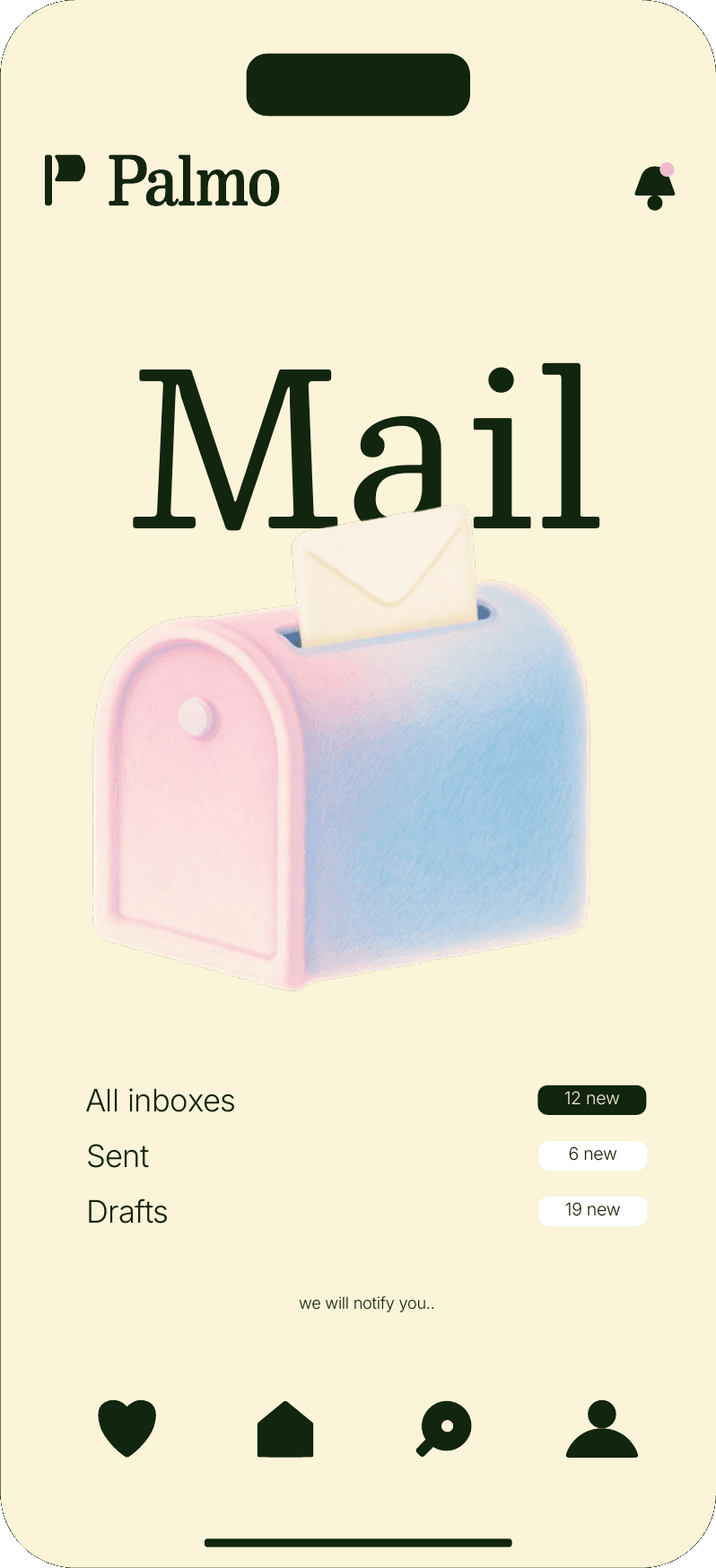
The procedures and documents the team already works from — in reach during the shift, not buried in a drawer.

A full right-to-left interface, not a bolted-on translation. The language your team actually works in.

A shift on Palmo
Four quiet screens. The same path every day.
01
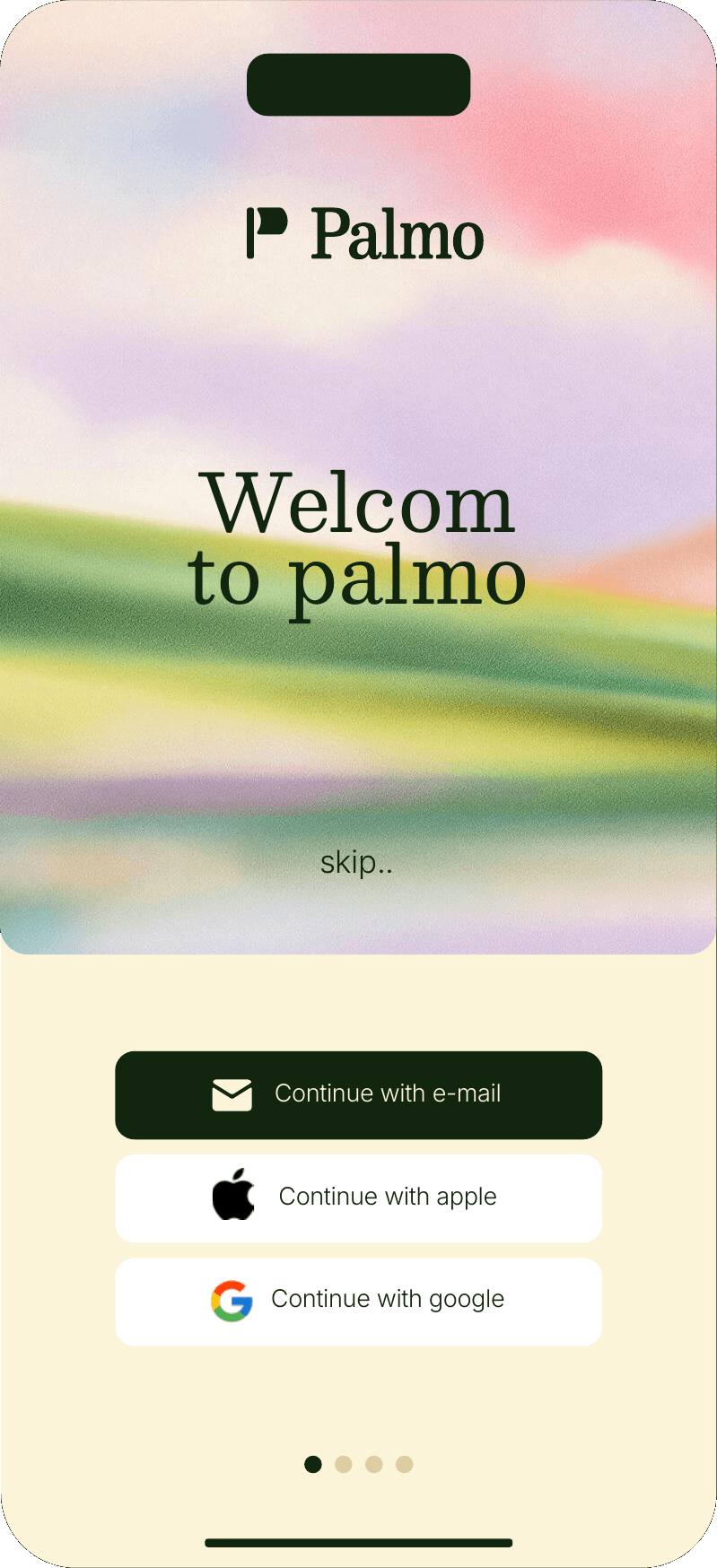
Open Palmo and see what is waiting. No hunting through chats.
02
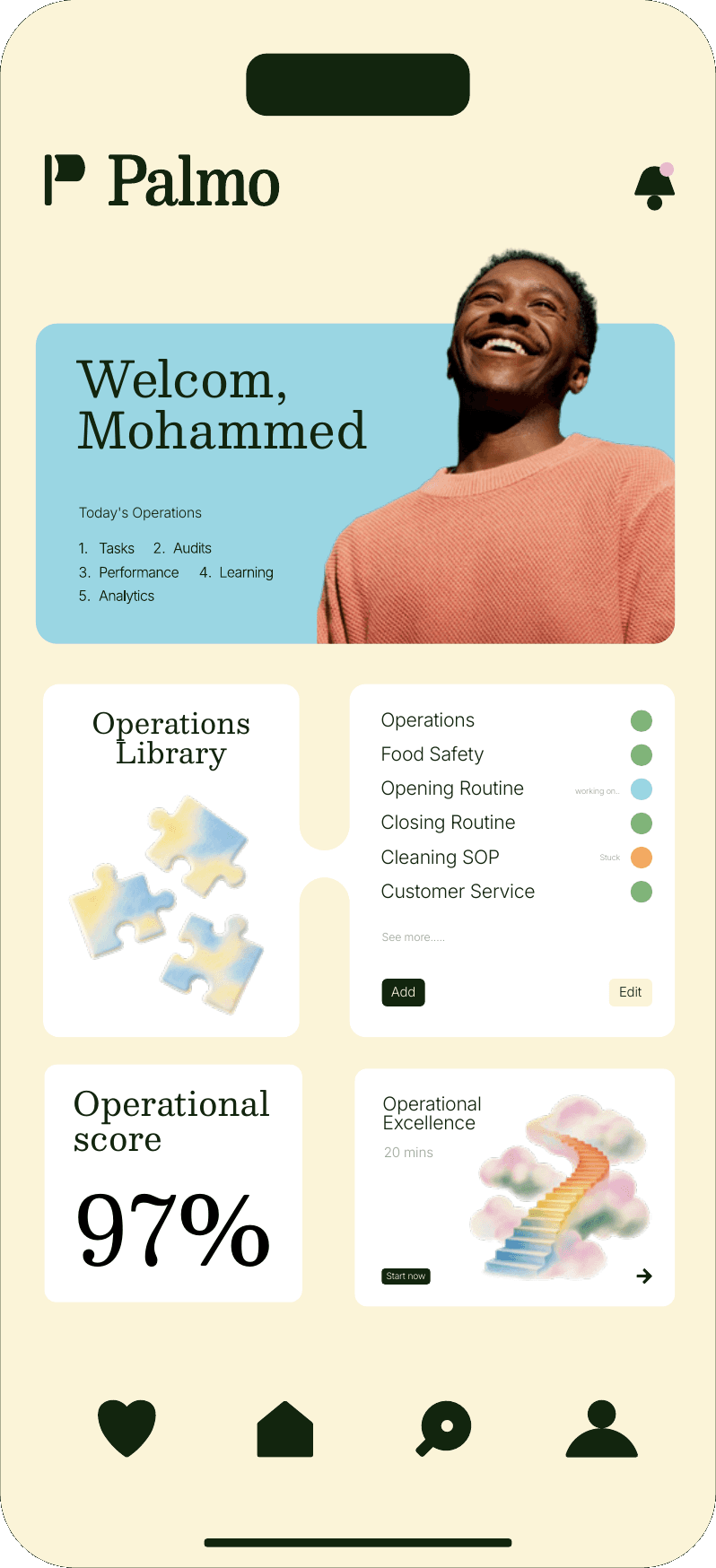
One view of the day across branches — what is open, late, or already done.
03
Each task carries its checklist and what you need to finish it.
04
The job is finished, and the photo is kept. The shift can move on.
How we build
Large type, few steps, and it holds up on a modest phone in a busy kitchen.
Words the team understands on the first read. No extra settings in the way.
Direction, alignment, and meaning — not a mirrored afterthought.
A photo or a checked list beats “that’s how it went” at the end of the night.